
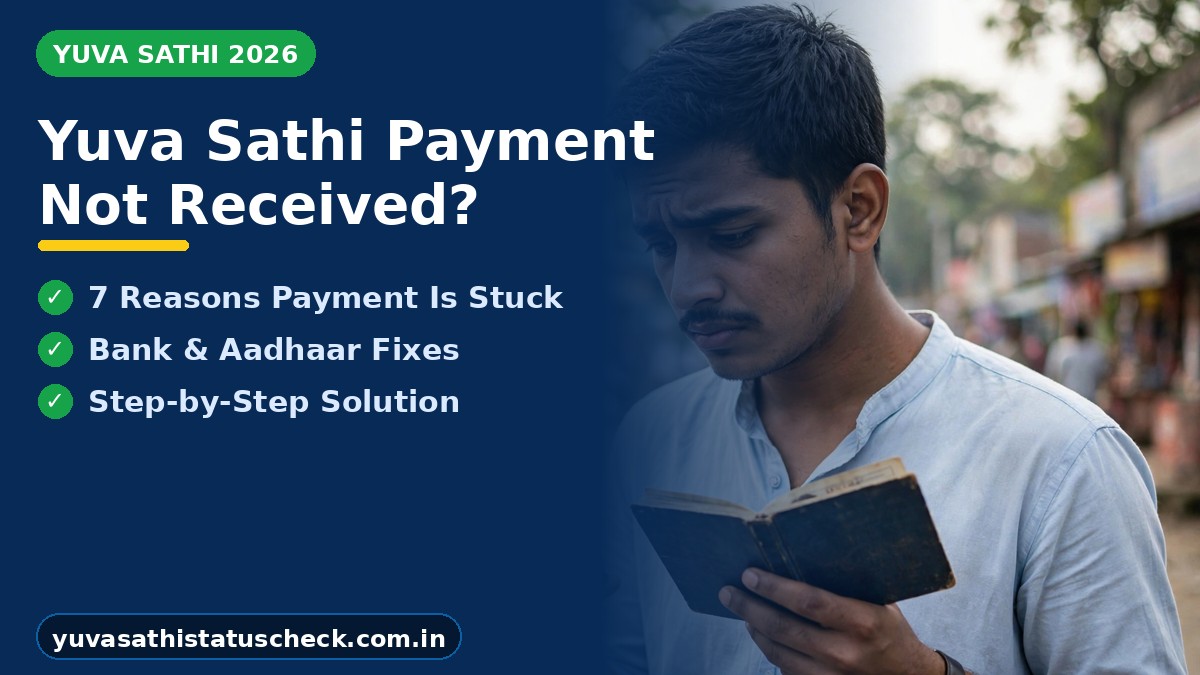
Your friends from the same camp have already got their first Yuva Sathi instalment, but your bank account is still silent. No SMS, no credit, nothing. If that sounds familiar, don’t panic — in most cases the money is not lost, it is simply stuck at one step of the process.
The Banglar Yuva Sathi scheme pays a monthly allowance of ₹1,500 to eligible unemployed youth of West Bengal, and the amount is sent directly to the beneficiary’s bank account. When a payment does not arrive, the reason is usually one of a handful of common problems — and almost all of them can be fixed. This guide walks you through the 7 most common reasons, how to check which one applies to you, and exactly what to do next.
First, Do This 2-Minute Check Before Anything Else
Before visiting any office, confirm two things online:
- Check your application status. If your application still shows “Under Verification” or “Pending”, your payment has simply not been released yet. You can follow the steps on our Yuva Sathi Status Check page to see your current status.
- Check the beneficiary list. Payments are released only for names that appear in the approved list. Search your name in the Yuva Sathi Beneficiary List 2026 — if your name is missing, that is the first thing to fix.
If your status shows approved and your name is on the list, but the money still has not reached your account, go through the reasons below one by one.
7 Reasons Your Yuva Sathi Payment Has Not Arrived
1. Your Application Is Still Under Verification
This is the most common reason of all. Applications are verified at the block/camp level before approval, and verification happens in batches. Until the status changes to approved, no payment is generated.
Fix: Wait for the verification cycle to complete and keep checking your status every few days. If it stays “pending” for an unusually long time, visit the camp or BDO office where you submitted the form, with your acknowledgement copy.
2. Your Name Is Not in the Beneficiary List Yet
Approval and list publication are two separate steps. Some applicants are approved but their names appear in the beneficiary list of the next cycle, not the current one.
Fix: Check the latest beneficiary list. If your application is approved but your name is not listed, your payment will normally come with the next list — see the expected schedule in our Yuva Sathi Payment Date 2026 guide.
3. Bank Account Is Inactive or Dormant
If you have not used your bank account for a long time, the bank may have marked it dormant or frozen. Government credits to such accounts fail silently — the money is sent, but it bounces back.
Fix: Visit your bank branch, complete any pending KYC, and make a small transaction to reactivate the account. Then inform the BDO office if needed so the payment can be reprocessed.
4. Aadhaar Is Not Seeded With Your Bank Account
Scheme payments are routed using Aadhaar-based mapping. If your Aadhaar number is not linked (seeded) to your bank account, or it is mapped to an old account you no longer use, the payment goes to the wrong place or fails.
Fix: Ask your bank branch to confirm which account your Aadhaar is currently mapped to, and get Aadhaar seeding done for the same account you mentioned in your application.
5. Bank Details in the Application Are Wrong
A single wrong digit in the account number, or an incorrect IFSC after a bank merger, is enough to stop a transfer. This often happens when details were copied in a hurry at the camp.
Fix: Compare the account number and IFSC in your application copy with your passbook, letter by letter. If anything is wrong, apply for correction at the BDO/SDO office with your passbook and Aadhaar.
6. Name or Date of Birth Mismatch
If your name is spelled differently in the application, your Aadhaar and your bank account — for example “Sourav Mondal” in one place and “Sourav Mandal” in another — the payment can be held during matching.
Fix: Get the spelling corrected so that the application, Aadhaar and bank records match exactly. Carry all three documents when you go for the correction.
7. Payment Released, But the Bank Is Slow to Show It
Sometimes the payment has genuinely been released but takes a few working days to reflect, especially around weekends and holidays. The status may show “paid” while your balance has not updated yet.
Fix: Wait 3–4 working days after the payment date shown for your cycle, check your balance through your passbook or mobile banking (not just SMS alerts, which can be delayed), and only then raise a complaint.
Still No Payment? Here Is the Exact Order to Follow
- Re-check your application status and the beneficiary list online.
- Visit your bank and confirm: account active, KYC complete, Aadhaar seeded to this account.
- If everything is fine at the bank, visit the BDO/SDO office or the camp help desk with your acknowledgement, Aadhaar and passbook, and ask for the payment status in writing.
- If you still get no answer, use the official contact options listed in our Yuva Sathi Helpline Number 2026 guide and register a complaint, noting down the complaint/reference number.
Frequently Asked Questions
How long does the Yuva Sathi payment take after approval?
Once your application is approved and your name appears in the beneficiary list, the payment is normally credited in the next payment cycle for your district. Bank processing can add a few working days on top of that.
My status shows approved but I got no money. Why?
Approval alone does not release the money — your name must also be in the beneficiary list, and your bank account must be active with Aadhaar seeded. Check those two things first; one of them is almost always the reason.
Can Yuva Sathi money go to a family member’s account?
No. The allowance is paid only to the bank account of the applicant whose name appears in the application and beneficiary list. If the account in your application is wrong, get it corrected at the BDO office instead.
Will I get the missed instalments later?
In most cases, when a failed payment is corrected and reprocessed, the pending amount is released in a later cycle. Keep your documents and complaint reference safe so you can follow up.
Where can I complain about a missing Yuva Sathi payment?
Start with your BDO/SDO office or camp help desk, and use the official helpline options if the issue is not resolved there. Always note the date of your visit and any reference number you receive.
Note: This is an unofficial information website and is not connected to the Government of West Bengal. Scheme rules, dates and payment schedules can change — please confirm the latest details on the official Yuva Sathi portal or at your nearest BDO office.
